Blog · 2019-01-16 · Updated 2026-10-01
How to import Elementor template files (both options explained)
There are two ways to get Katka (or any) Elementor JSON templates into your library:
- From the WordPress admin — best when you want to import several files before you start designing.
- From inside the Elementor editor — handy when you are already editing a page and do not want to leave it.
Screenshots below were taken on Elementor 4.3 / Pro on a clean test site. Labels match what you see in the current UI.
Option 1 — Import from the WordPress admin
In the WordPress admin, open Elementor → Templates → Saved Templates. You land on My Templates.
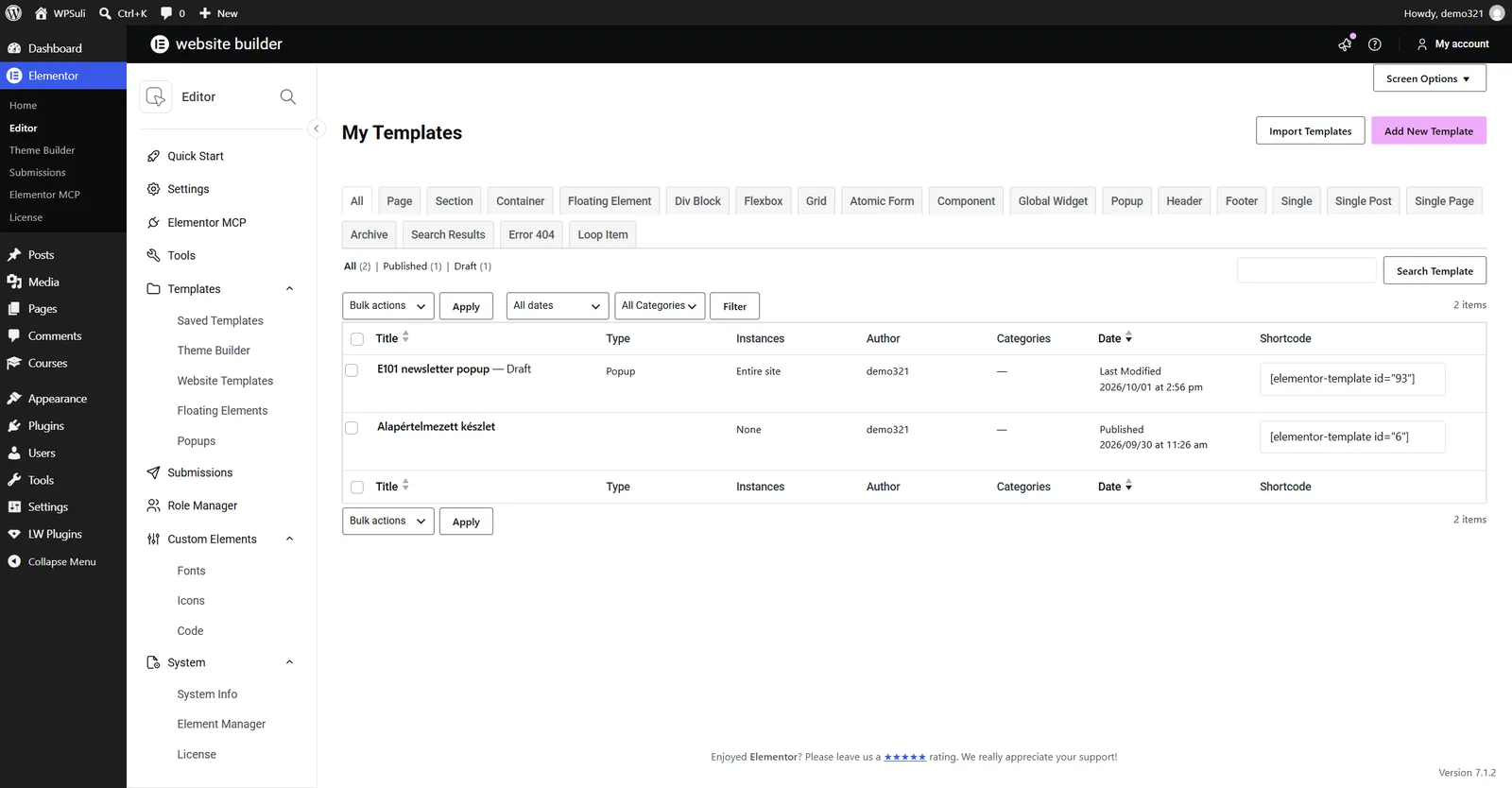
Click Import Templates. An import panel opens under the page title. It accepts a single Elementor template .json file, or a .zip of several templates.
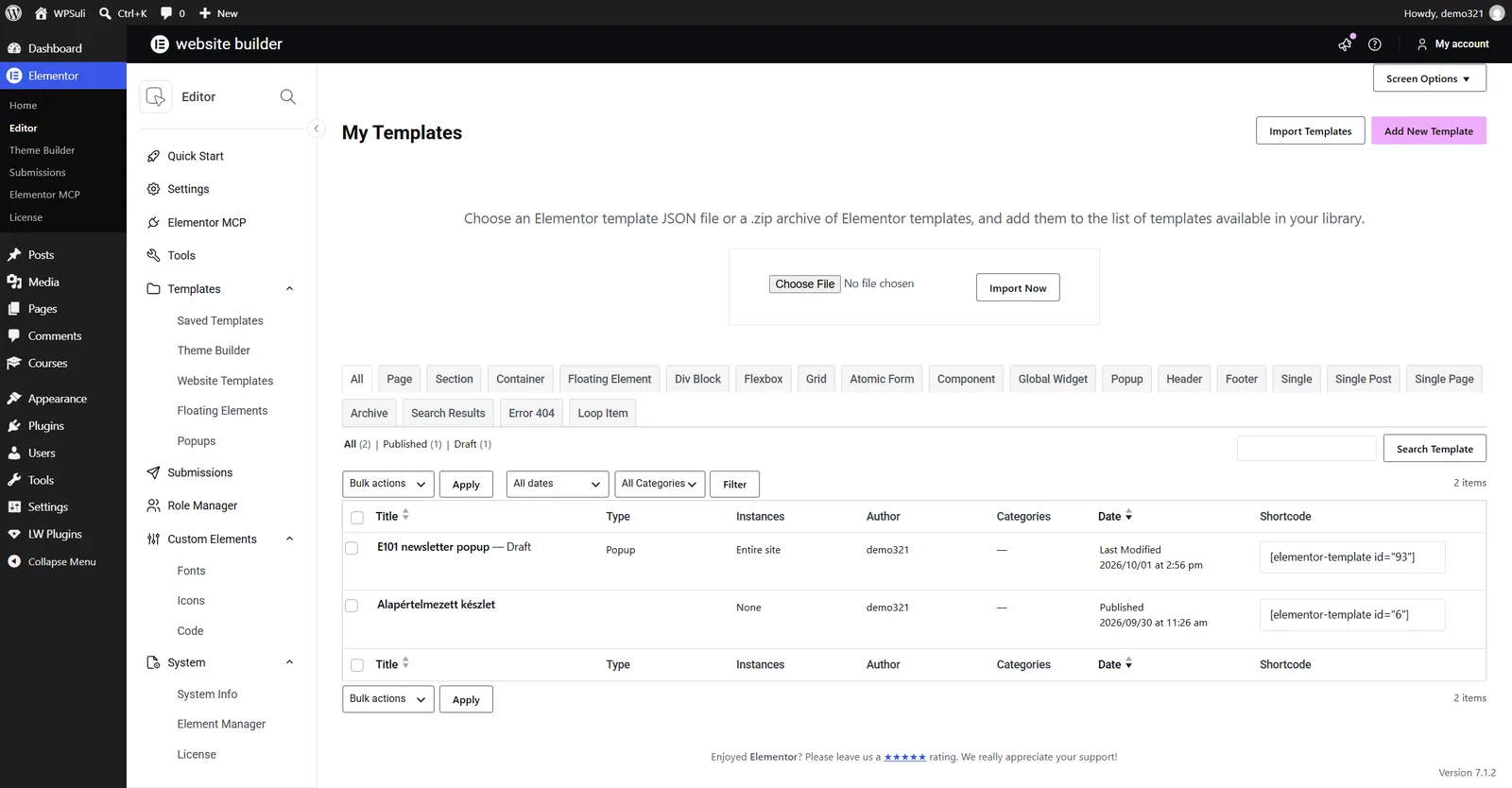
Click Choose File. After you unzip the Katka pack, templates sit in folders by type (for example Page templates / Business Consultant). Pick the JSON you want — here we import Katka Business Consultant Contact Us.
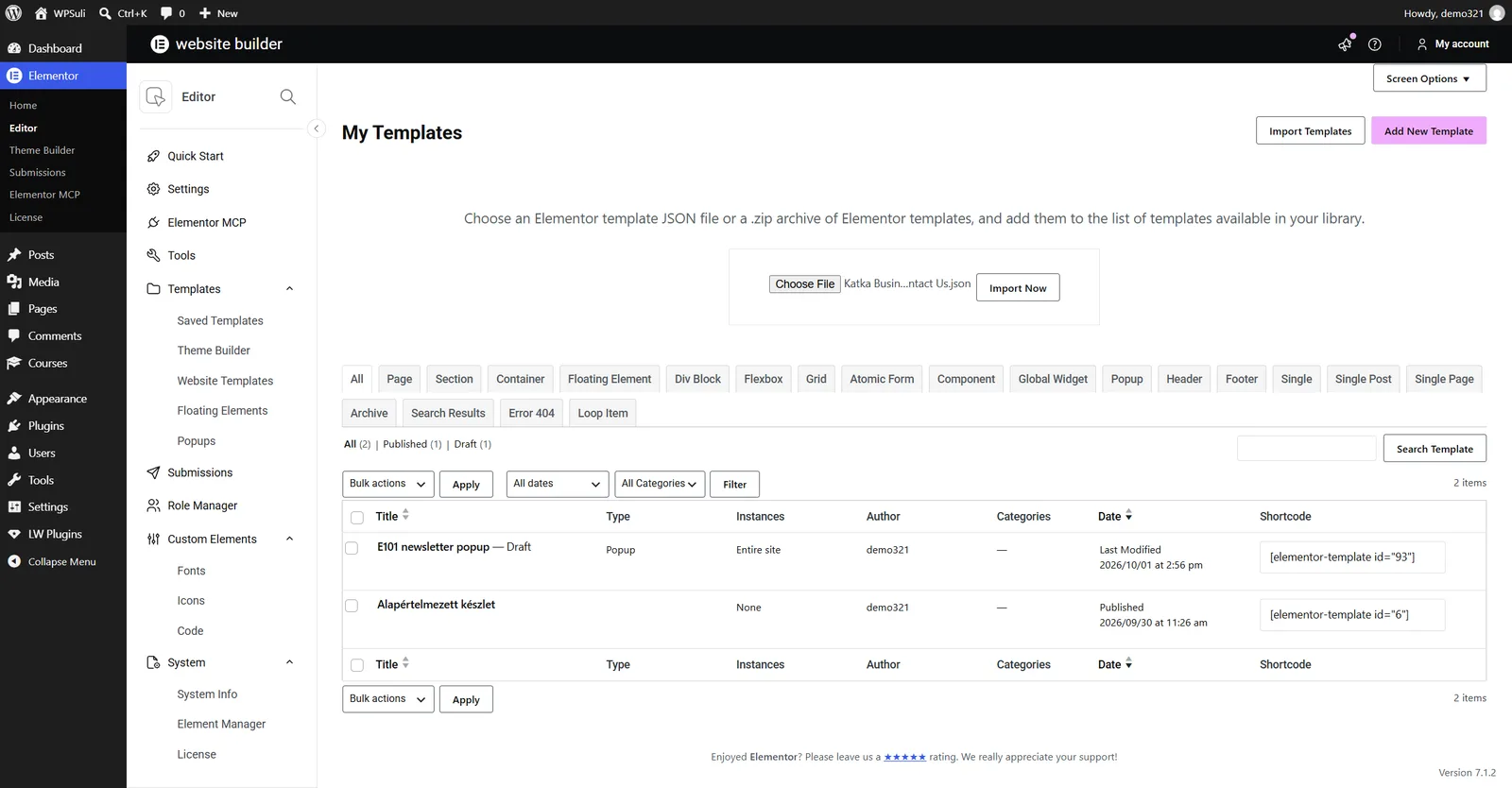
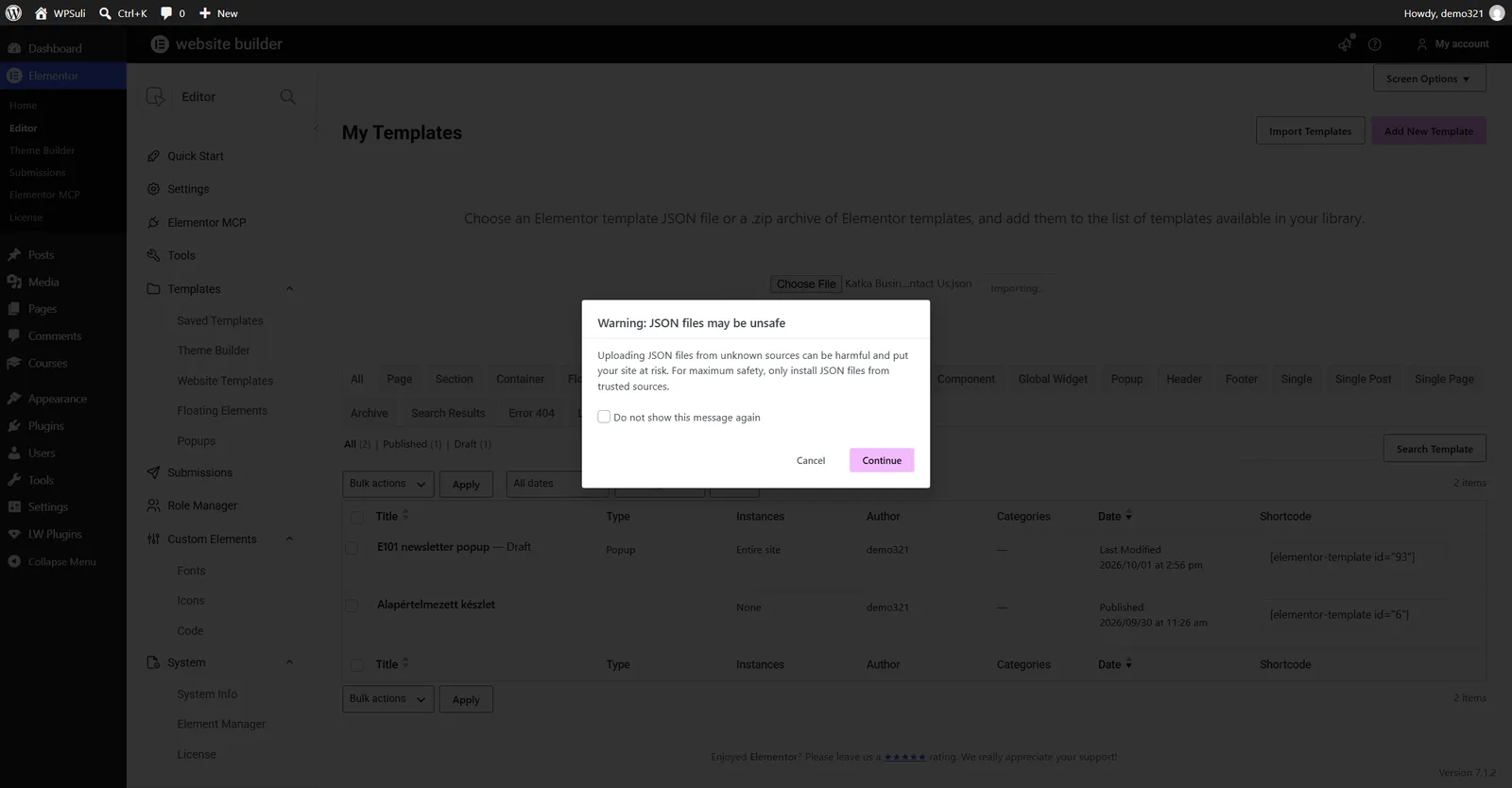
Click Import Now. Elementor may show a safety warning about JSON uploads. Katka files come from a trusted source — click Continue.
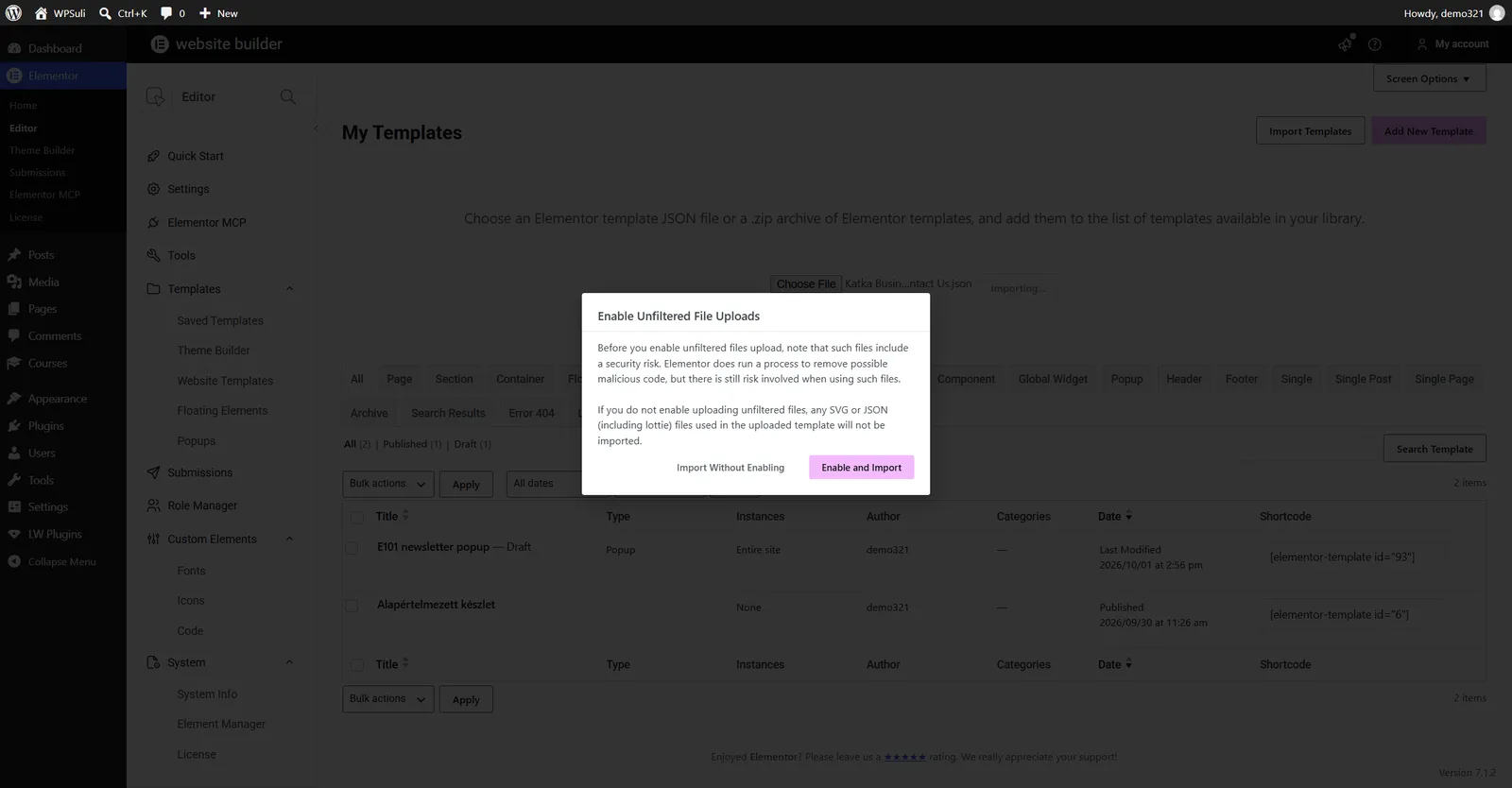
If this is the first JSON import on the site, Elementor also asks whether to enable unfiltered file uploads (needed for SVG / JSON assets inside templates). For a full Katka import, choose Enable and Import.
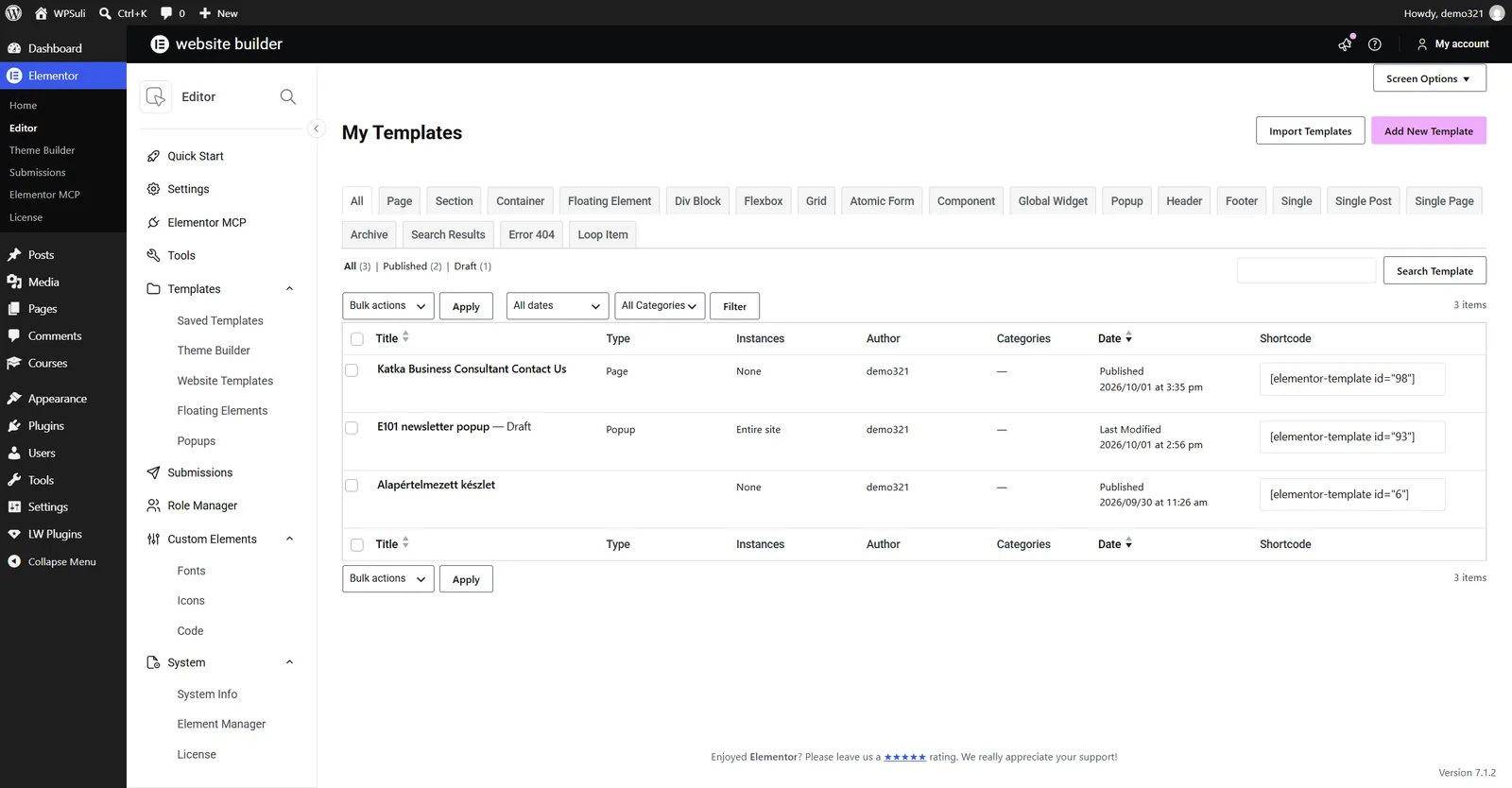
When the import finishes, the page refreshes and the new template appears at the top of My Templates. You can open it with Edit with Elementor or insert it later from the editor library.
Repeat for other pages, sections or popups. To import several files at once, zip multiple JSON files together and upload that zip instead of a single file.
Option 2 — Import while editing a page
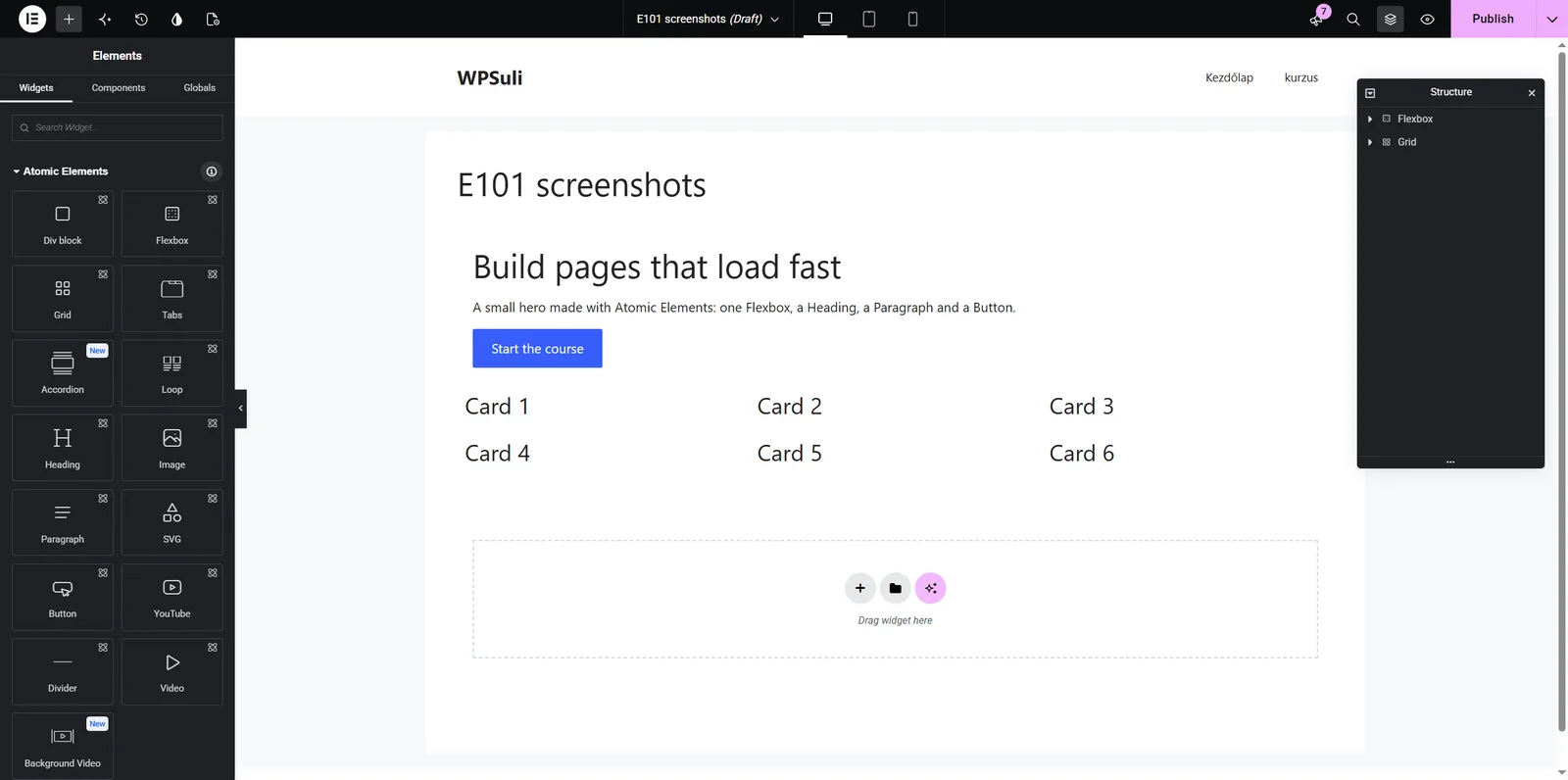
Already in the Elementor editor? You can import (and insert) without leaving the page. On an empty section or container, click the folder icon to open the template library.
The library modal opens on Blocks by default. Switch to the Templates tab when you want your saved / imported files.
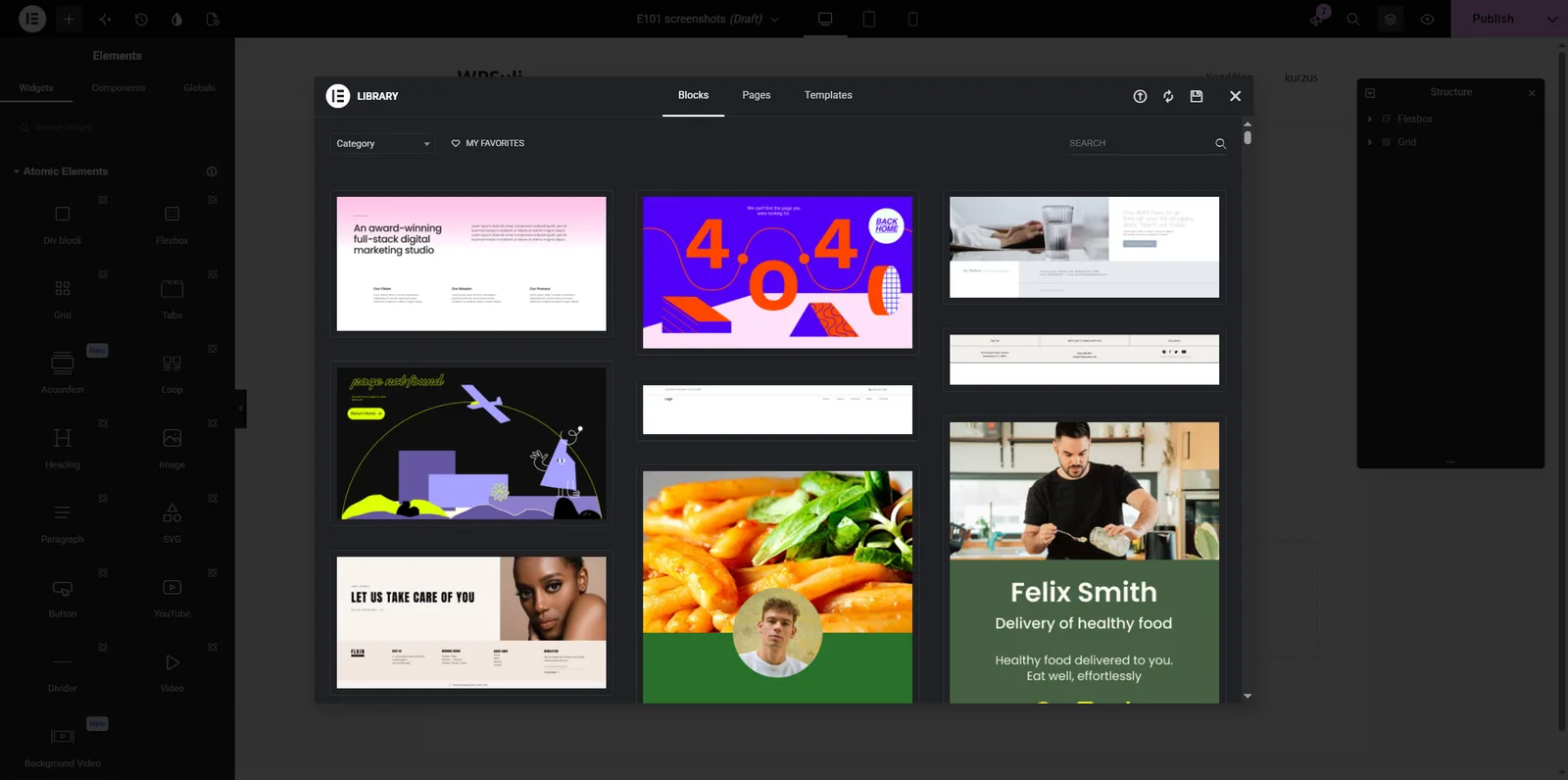
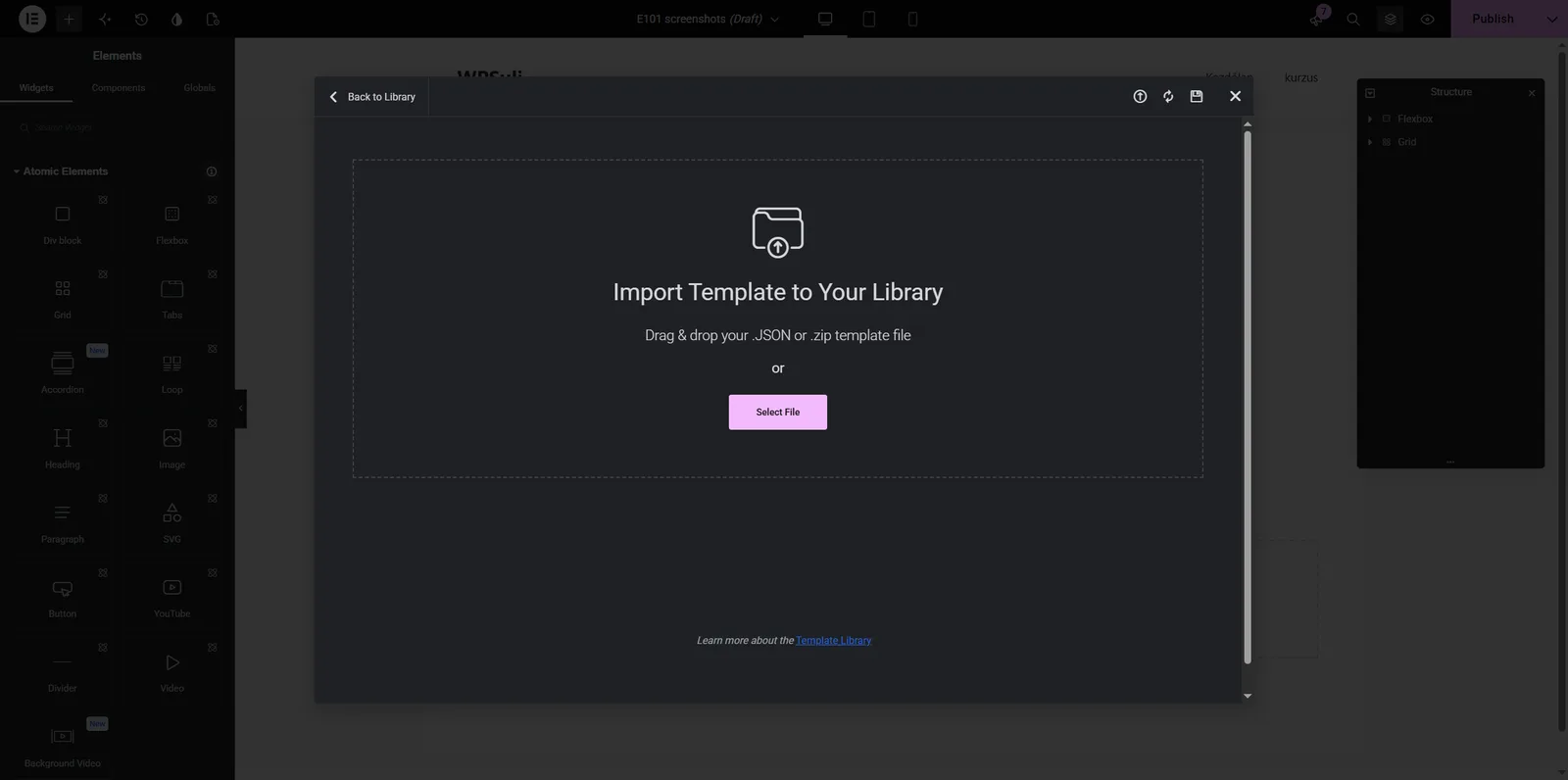
To import a new JSON file from here, click the Import Template icon in the modal header (upload arrow). Drag & drop a .json or .zip, or click Select File.
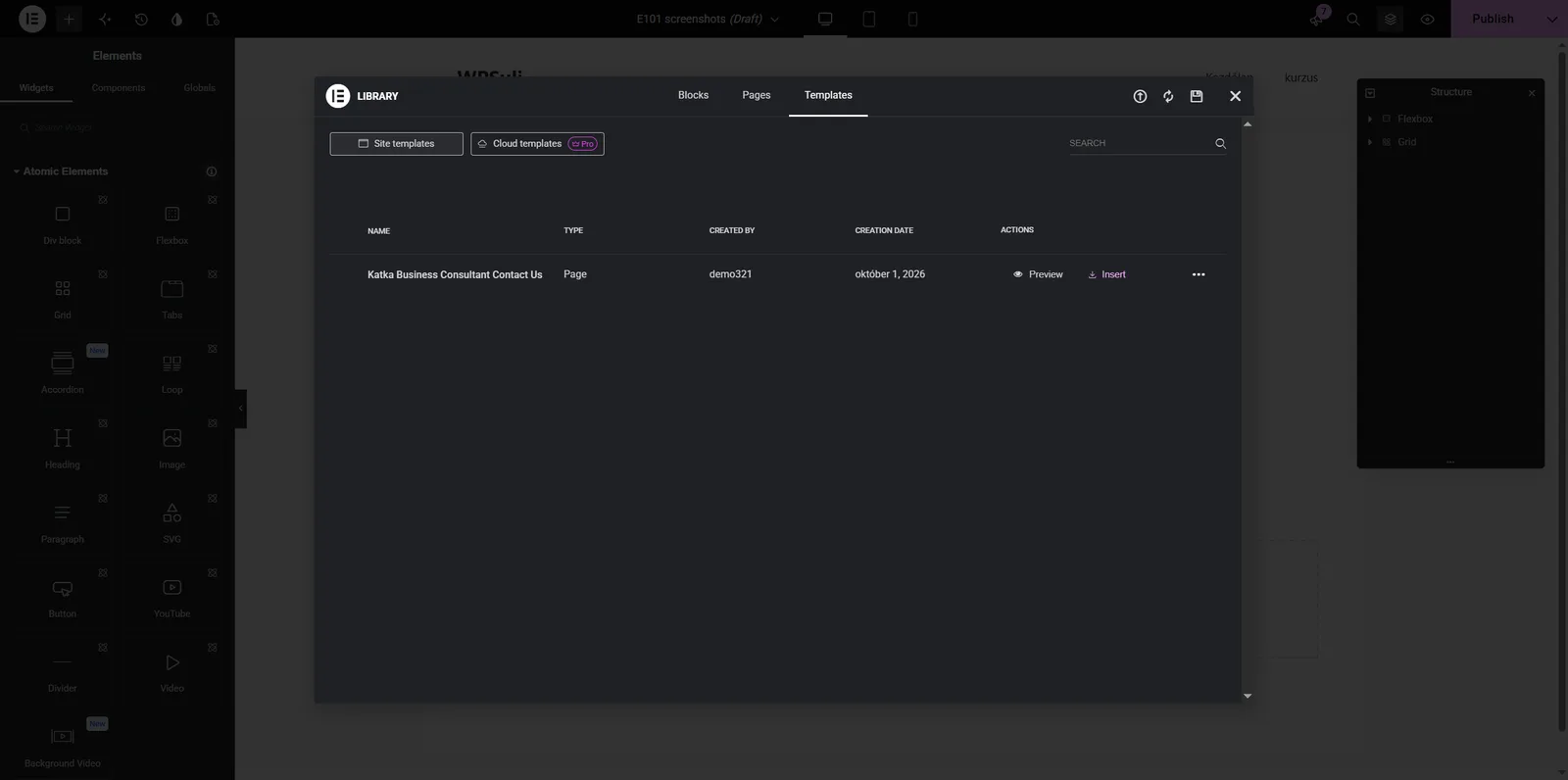
After the import finishes (same JSON / unfiltered-upload prompts as in Option 1, if they still apply), open Templates → Site templates. Your Katka file appears in the list — click Insert.
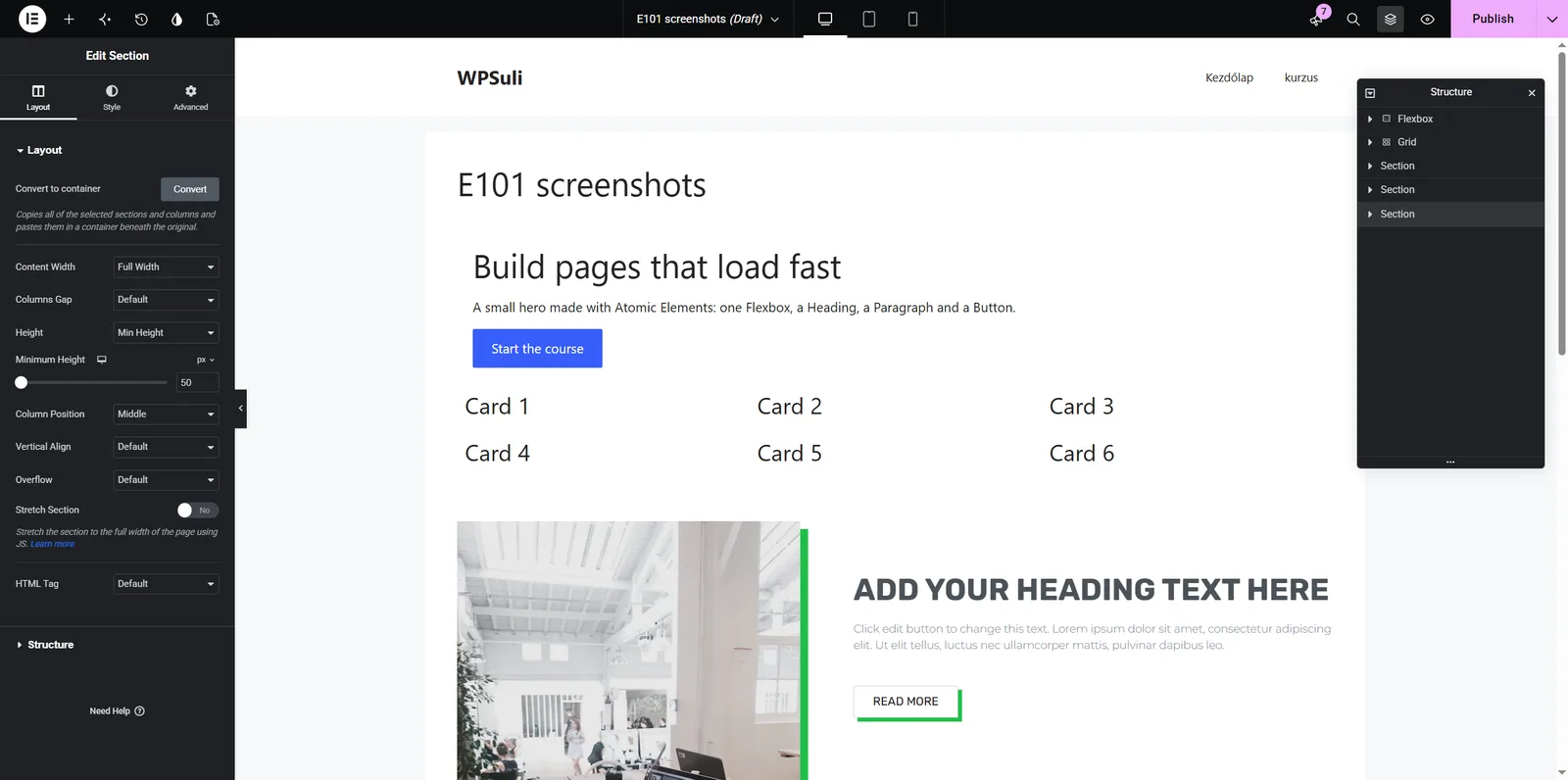
Elementor closes the library and drops the template onto the page. You can then edit headings, colors, and images like any other content.
Use Option 1 when you are staging a full pack; use Option 2 mid-build when you need one more page or section without leaving the editor.
Need the files? Grab the pack from pricing, or browse the page kits and popups first.